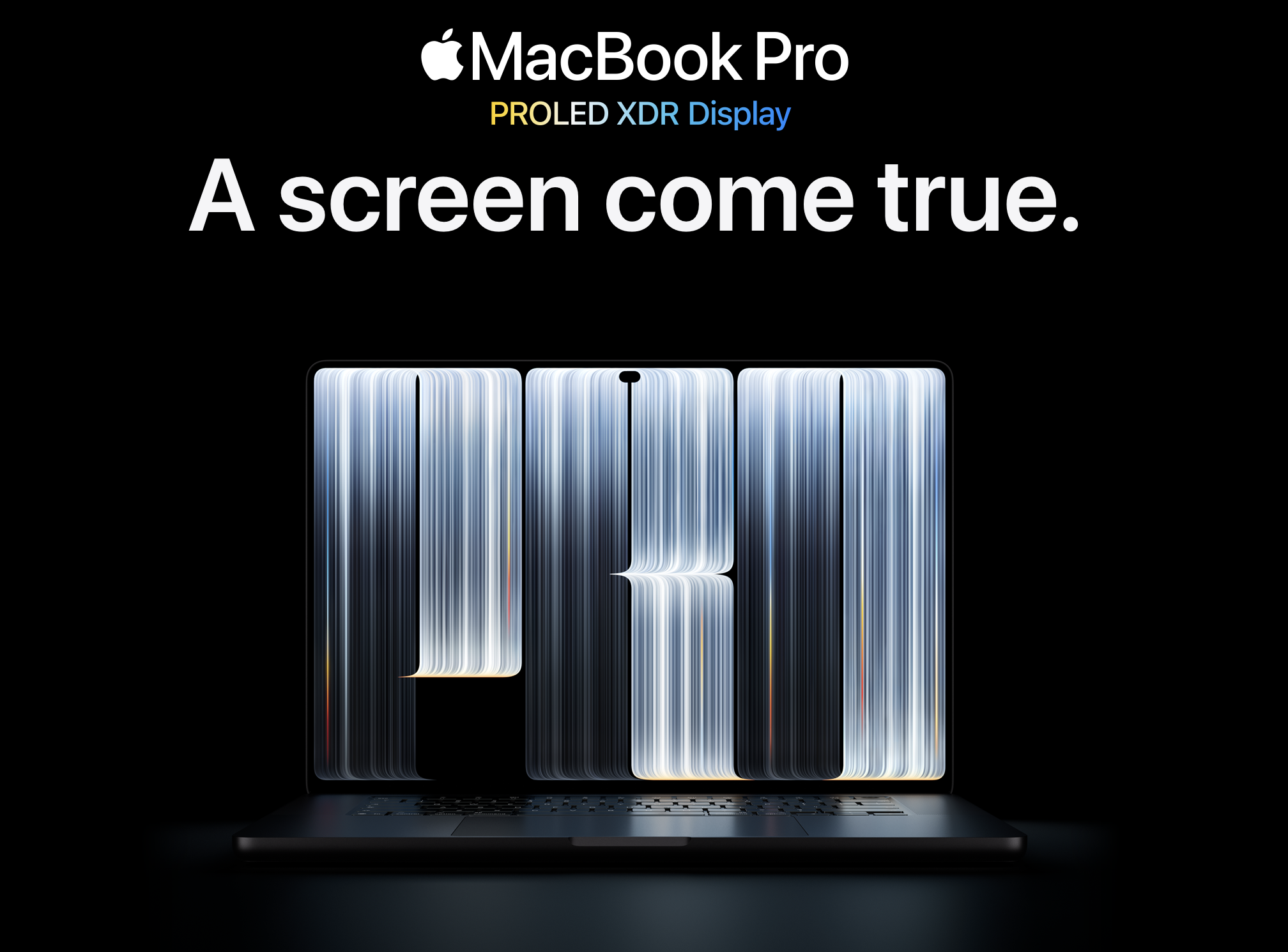
Apple MacBook Pro with Liquid Retina XDR Display Review 2026: Is It Worth the Price?
The Ultimate Professional Laptop for Performance, Creativity, and Everyday Productivity
Apple’s MacBook Pro has long been one of the most recognizable laptops in the professional market. Combining powerful Apple Silicon processors, premium build quality, and an advanced display, it continues to target users who need more than an ordinary notebook.
The 2026 MacBook Pro lineup takes this concept further with Apple’s latest M6, M5 Pro, and M5 Max processors. But is the MacBook Pro really worth its premium price? Let’s take a closer look at its design, display, performance, battery life, and overall value.
1. Design and Build Quality
Apple continues to use its familiar premium aluminum design. The MacBook Pro looks professional, feels solid, and offers excellent build quality.
Available in Silver and Space Black, the laptop maintains a minimalist appearance that has become a signature of Apple’s professional computers.
The keyboard provides a comfortable typing experience, while the large Force Touch trackpad remains one of the best features of the MacBook lineup.
The MacBook Pro is available in 14-inch and 16-inch configurations, giving users the choice between portability and a larger working area.

Design highlights:
- Premium aluminum construction
- Silver and Space Black finishes
- Comfortable backlit Magic Keyboard
- Large Force Touch trackpad
- Professional and minimalist appearance
2. Liquid Retina XDR Display: One of Its Biggest Advantages
The Liquid Retina XDR display is arguably one of the MacBook Pro’s strongest selling points.
The 14-inch model features a 14.2-inch display with a native resolution of 3024 × 1964 pixels and a pixel density of 254 pixels per inch.
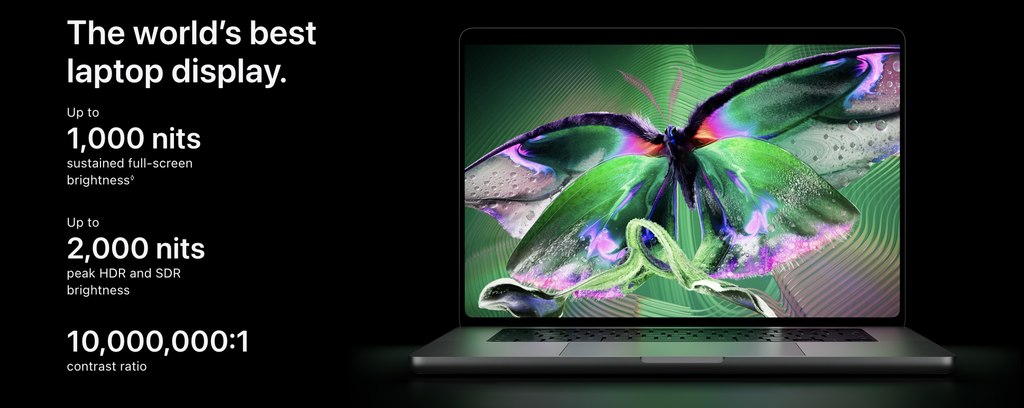
Apple’s XDR technology delivers impressive contrast, deep blacks, and excellent brightness. The display supports up to 1,600 nits of peak brightness when displaying HDR content and up to 1,000 nits of sustained full-screen brightness.
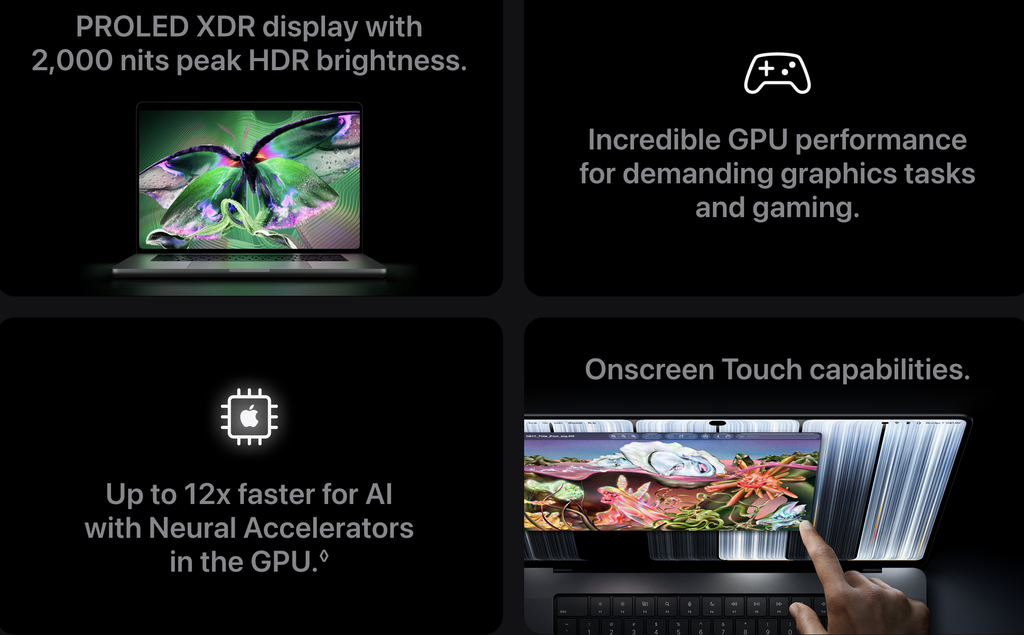
Another important feature is ProMotion technology, which provides adaptive refresh rates of up to 120Hz.
This makes scrolling, animations, and supported creative applications feel smooth and responsive.
Display specifications:
- Liquid Retina XDR technology
- 14.2-inch display on the 14-inch model
- 3024 × 1964 resolution
- Up to 120Hz ProMotion
- Up to 1,600 nits peak HDR brightness
- 1,000,000:1 contrast ratio
- P3 wide color gamut
- True Tone technology
For photographers, video editors, designers, and content creators, this display is a major advantage.
3. Performance: Apple Silicon Power
Performance is another major reason to consider the MacBook Pro.
The 2026 lineup offers different processor configurations, including M6, M5 Pro, and M5 Max chips.
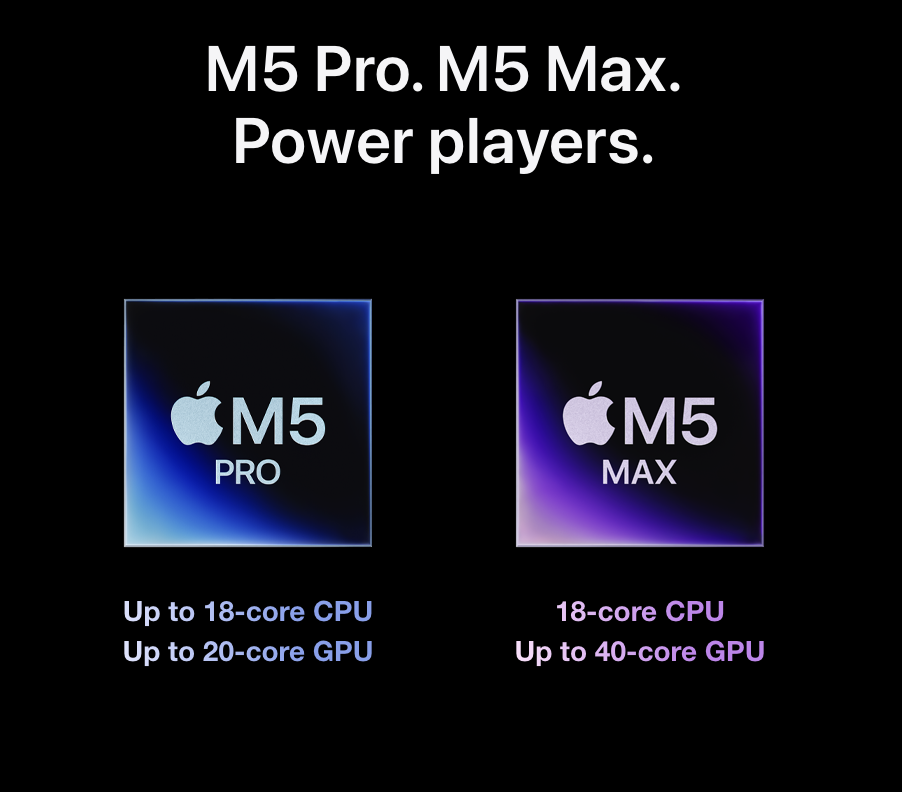
The standard M6 configuration is designed for demanding everyday workloads, multitasking, and creative applications. The M5 Pro and M5 Max configurations target professionals who need additional processing and graphics performance.
Depending on the configuration, users can choose different unified memory and storage options.
This makes the MacBook Pro suitable for:
- Professional photo and video editing
- Software development
- 3D graphics and rendering
- AI-powered applications
- Complex multitasking
- High-resolution content production
One of Apple’s biggest advantages is the integration between hardware and macOS. This allows supported applications to take advantage of Apple Silicon’s architecture and dedicated media engines.
4. Battery Life: Designed for Long Working Sessions
Battery life remains an important advantage of the MacBook Pro.
Apple advertises up to 24 hours of video streaming for certain configurations, although real-world battery life depends on screen brightness, applications, workload, and network activity.
Light office work, web browsing, and document editing generally require considerably less power than professional video editing or demanding 3D applications.
The ability to work without constantly looking for a power outlet makes the MacBook Pro particularly attractive for professionals who travel frequently.
5. Connectivity and Everyday Features
The MacBook Pro offers a useful selection of ports and connectivity options.
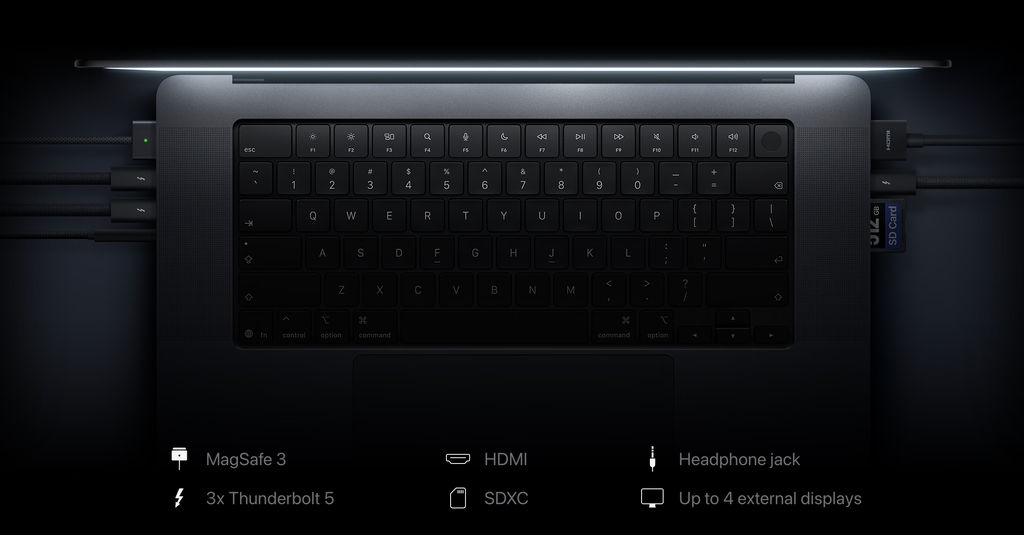
Depending on the configuration, users get:
- Thunderbolt / USB-C connectivity
- HDMI port
- SDXC card slot
- MagSafe 3 charging
- 3.5mm headphone jack
- Wi-Fi 7 on supported configurations
- Bluetooth connectivity
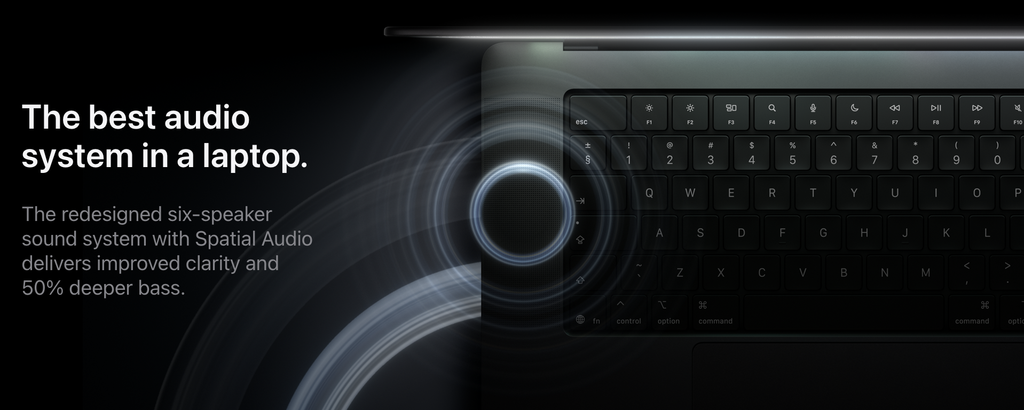
The built-in six-speaker sound system also deserves attention. It delivers a fuller audio experience than most conventional laptops.
The 12MP Center Stage camera provides improved video conferencing capabilities, while the integrated microphone array is suitable for everyday calls and meetings.
6. macOS and Apple Ecosystem
The MacBook Pro becomes even more attractive when used alongside other Apple devices.
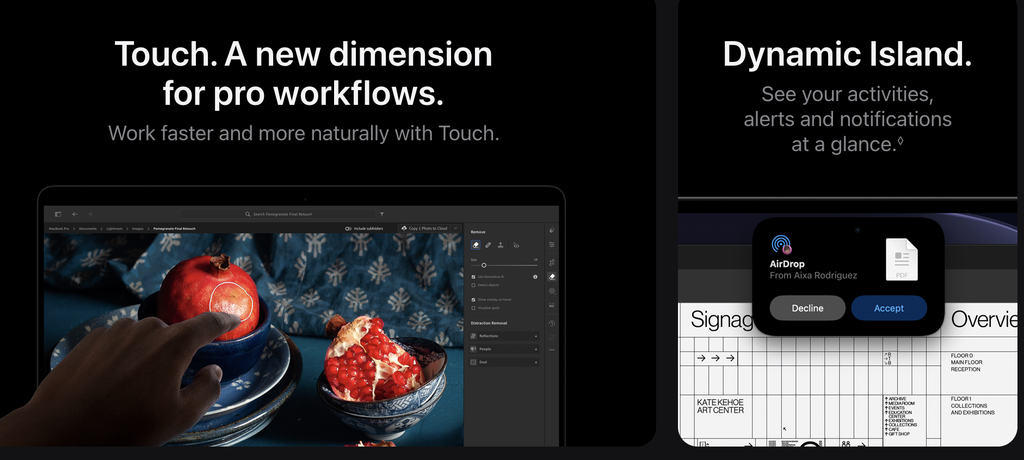
Features such as AirDrop, Handoff, Universal Clipboard, Sidecar, and iPhone Mirroring help connect the Mac to the wider Apple ecosystem.
For users who already own an iPhone, iPad, or Apple Watch, this integration can make everyday workflows considerably more convenient.
macOS also offers a broad selection of professional applications, including Final Cut Pro, Logic Pro, Adobe Creative Cloud, and development tools.
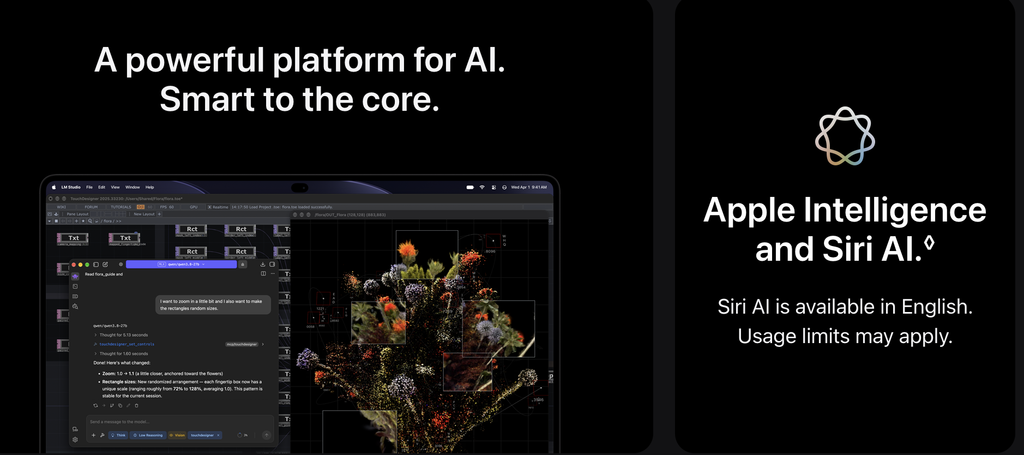
Apple Intelligence adds another layer of AI-powered functionality, with availability depending on the supported features, language, and region.
7. Pros and Cons
Advantages
- Outstanding Liquid Retina XDR display
- Powerful Apple Silicon processors
- Excellent build quality
- Long battery life
- High-quality speakers
- Comfortable keyboard and trackpad
- Strong integration with the Apple ecosystem
- Excellent platform for creative professionals
Disadvantages
- Premium pricing
- Upgrades to memory and storage can be expensive
- Not every professional application is optimized for macOS
- Some demanding workflows still benefit from higher-end configurations
- Limited upgradeability after purchase
8. Who Should Buy the MacBook Pro?
The MacBook Pro is designed for users who need a powerful and reliable professional laptop.
It is particularly suitable for:
Content Creators: Video editors, photographers, and designers can benefit from the excellent display and powerful media processing capabilities.
Developers: Software engineers can take advantage of Apple Silicon performance, macOS development tools, and efficient multitasking.
Business Professionals: Users who regularly work with large documents, presentations, and multiple applications will appreciate the performance and battery life.
Students and Everyday Users: The MacBook Pro is certainly capable of handling everyday tasks, but its premium price may make a MacBook Air a more sensible choice for many students and casual users.
9. Final Verdict: Is the MacBook Pro Worth Buying in 2026?
The Apple MacBook Pro remains one of the most compelling premium laptops available in 2026.
Its combination of Liquid Retina XDR display technology, Apple Silicon performance, premium construction, and excellent battery life makes it an attractive choice for professionals and demanding users.
However, not everyone needs the additional performance offered by the Pro and Max configurations. For everyday browsing, office work, and basic productivity, a MacBook Air may provide better value.
Our verdict: If you need a professional laptop for demanding creative work, development, or advanced multitasking, the MacBook Pro deserves a place at the top of your shortlist.
It is not the cheapest laptop, but it offers a well-rounded combination of performance, display quality, and portability.
Tech Review Rating: 9.2/10
Editorial note: This review is based on Apple’s published technical specifications and product features. Performance and battery-life observations should be verified through independent hands-on testing.